
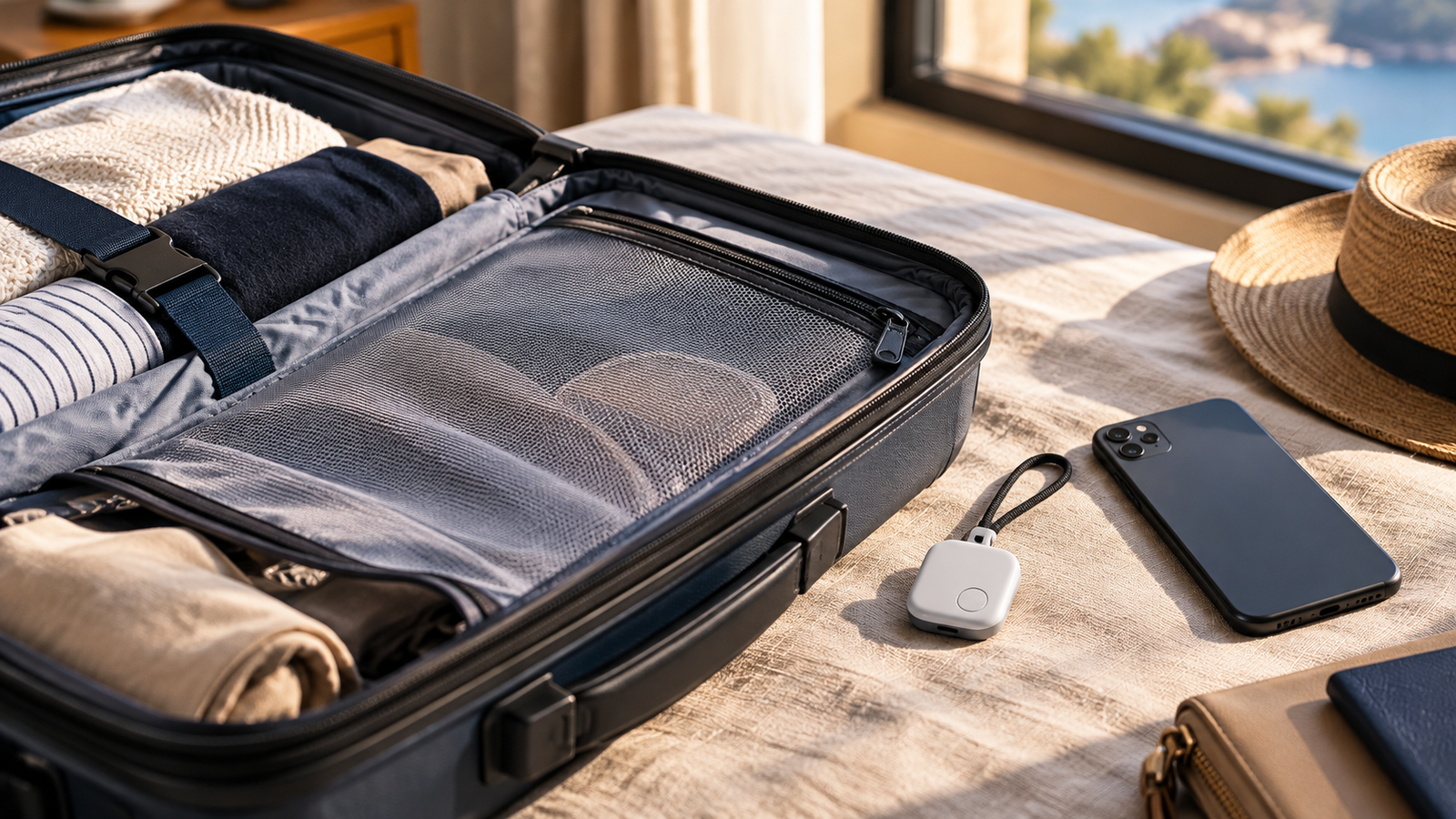
A luggage tracker gives you one extra piece of information: where a network last saw your bag. For some trips that is worth a small device, a battery and an account to manage. For others it is not. This guide helps you decide, and tells you what to do with the information if your bag goes missing.
Step 1: Your phone decides your options
Each tracker family works through its own network. Don’t assume a tag works with every phone.
Swipe horizontally to compare all columns. Keyboard: focus the table and use the arrow keys.
| Your phone | Network to look at | Check before buying |
|---|---|---|
| Apple | Apple Find My: compatible Apple devices nearby detect an AirTag or other Find My accessory and report its approximate location to you | The maker’s compatibility details for your device and software version |
| Android | Google Find Hub, Google’s current name for its Android tracker-tag network. Compatible Android devices can detect tracker tags and report location | Compatible tags, and your Find Hub settings (see below) |
| Either, or mixed households | Tile, a separate network that uses Bluetooth and does not provide GPS or real-time cellular location | Tile’s current compatibility with your phone |
Two further checks:
- Settings change what a network can report. Google describes a “With network in busy places only” setting and an opt-in “With network everywhere” setting that can also use a single-device report in less busy areas.
- Features may differ by country. Find My and Find Hub features are not guaranteed to be available identically everywhere. Check availability for where you are travelling.
This guide does not rank network performance by airport or country. What a network can report depends on compatible nearby devices and the settings active at the time.
If you already own a compatible tracker, the cheapest option is to move it into the bag you are checking.
Sources for this section: Apple official support (opens in a new tab); Google official support (opens in a new tab); Google official support (opens in a new tab); Life360 Tile official support (opens in a new tab).
Step 2: Know what it is
AirTag-style trackers are not GPS trackers. They have no cellular connection or GPS receiver of their own. Within Bluetooth range your phone can find one directly. Beyond it, a remote location update depends on a compatible nearby device detecting the tag and passing a location report through its network. A GPS or cellular tracker is a different category. It carries its own means of sending location, typically needs a subscription, has a different battery profile and can face different airline rules. If a product advertises GPS, check which category it is in.
Step 3: What the dot can and cannot tell you
Swipe horizontally to compare all columns. Keyboard: focus the table and use the arrow keys.
| It can indicate | It cannot prove |
|---|---|
| The bag’s last or most recent reported location | That the bag is loaded on a specific aircraft |
| That the bag appears to be at a particular airport or area | That the airline currently has custody of it |
| That it is close enough for direct finding, on compatible hardware | Why it was delayed, or that it is permanently lost |
| When it will be delivered |
A tracker does not oblige any airline employee to act on what it shows. It is a second stream of location information. It does not have authority over the airline’s own scan record.
Step 4: Is it allowed in checked baggage?
Not every tracker, and not every airline, in the same way. The FAA’s PackSafe guidance currently allows baggage-location trackers powered by lithium batteries in checked baggage when lithium-metal content does not exceed 0.3 g, or the lithium-ion rating does not exceed 2.7 Wh, and tells travellers to check with their airline. IATA’s lithium-battery guidance has a comparable exception for low-energy Bluetooth baggage trackers that meet the same small-cell thresholds.
Check the exact tracker’s battery chemistry and rating rather than assuming any coin-cell tracker is cleared. The FAA page is US guidance and notes that airline and international rules may be stricter. Rechargeable trackers, GPS or cellular devices and smart luggage can involve different rules.
Sources for this section: FAA PackSafe guidance (opens in a new tab).
If your bag does not arrive: a sequence
No tracker guarantees recovery. The steps below are the sensible order in which to use the information it gives you.
- Report the bag to the airline and keep the reference. File the Property Irregularity Report or follow the airline’s own lost-baggage process. A tracker does not replace it.
- Note what the tracker shows. Open the app and record the last reported location and the time it was reported. A screenshot helps.
- Share it through the airline’s process, if it has one. Apple’s Share Item Location lets you share an AirTag’s location with participating airlines. Check whether your airline participates and how it accepts the temporary location link. Google’s Find Hub supports shared item-location links that can be handed to a third party, including an airline.
- Quote your reference number with whatever you share, using the airline’s own channel.
- Treat it as information, not leverage. Sharing lets authorised staff see the tracker’s current or last-reported location if the airline’s workflow is built to use it. It sets no response time and does not guarantee the bag will be found or returned.
Sources for this section: Apple official support (opens in a new tab); Google official support (opens in a new tab).
Does it earn its place?
A tracker adds more when:
- you check a bag rather than keeping everything with you;
- the bag changes aircraft or passes through several handling stages;
- the bag or its contents would be hard or costly to replace;
- you would value knowing the last reported location independent of the airline’s scans;
- your airline supports a tracker-sharing workflow, or you already own a compatible tag.
It adds less when:
- you keep your luggage with you throughout;
- the airline’s baggage-scan updates already give you the confidence you want;
- you would rather not manage another account, device or battery for a modest extra data point.
If weight rather than location is your checked-bag worry, do you need a luggage scale covers that decision. A cabin-only traveller who wants a tag for anti-theft purposes is asking a different question from “do I need one for checked luggage”. Keep those decisions apart.
The cost is rarely the size of the tag. It is the setup, the account, and remembering to check the battery before a trip. Battery type varies by tracker, so check what yours uses.
One privacy note
The same networks that help you find your own bag could be misused to track a person. Major platforms build in unknown-tracker alerts to protect against that. This guide is only about tracking your own property.
A tracker tells you where your bag was last seen, under conditions the network happened to support at that moment. It does not tell you why the bag is late, who has it, or when it is coming.
This guide is research-based and does not report hands-on testing of the products discussed. Platform features, battery rules and airline participation change; check current official information before you travel.